Roll A Ball Tutorial 3D
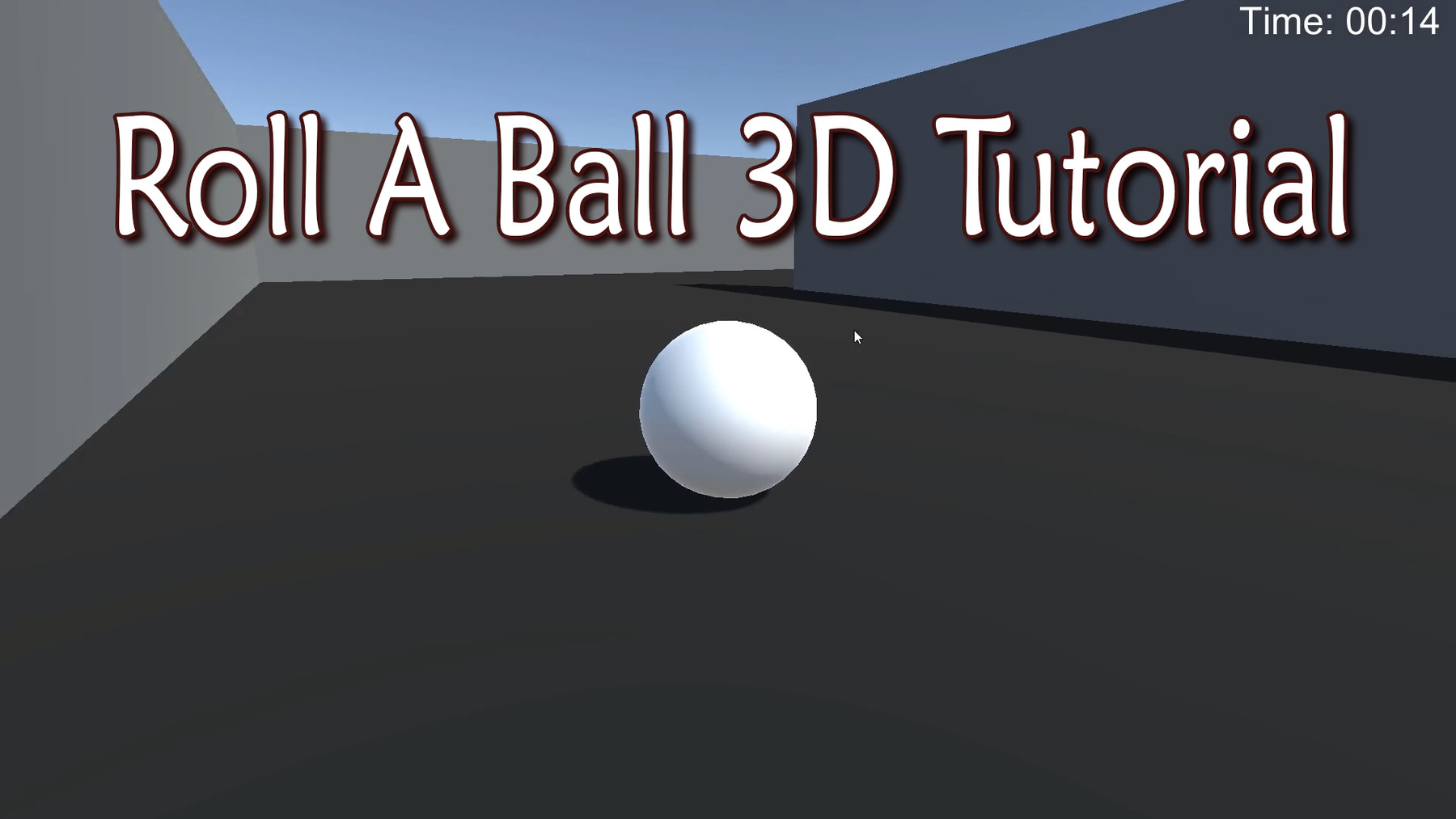
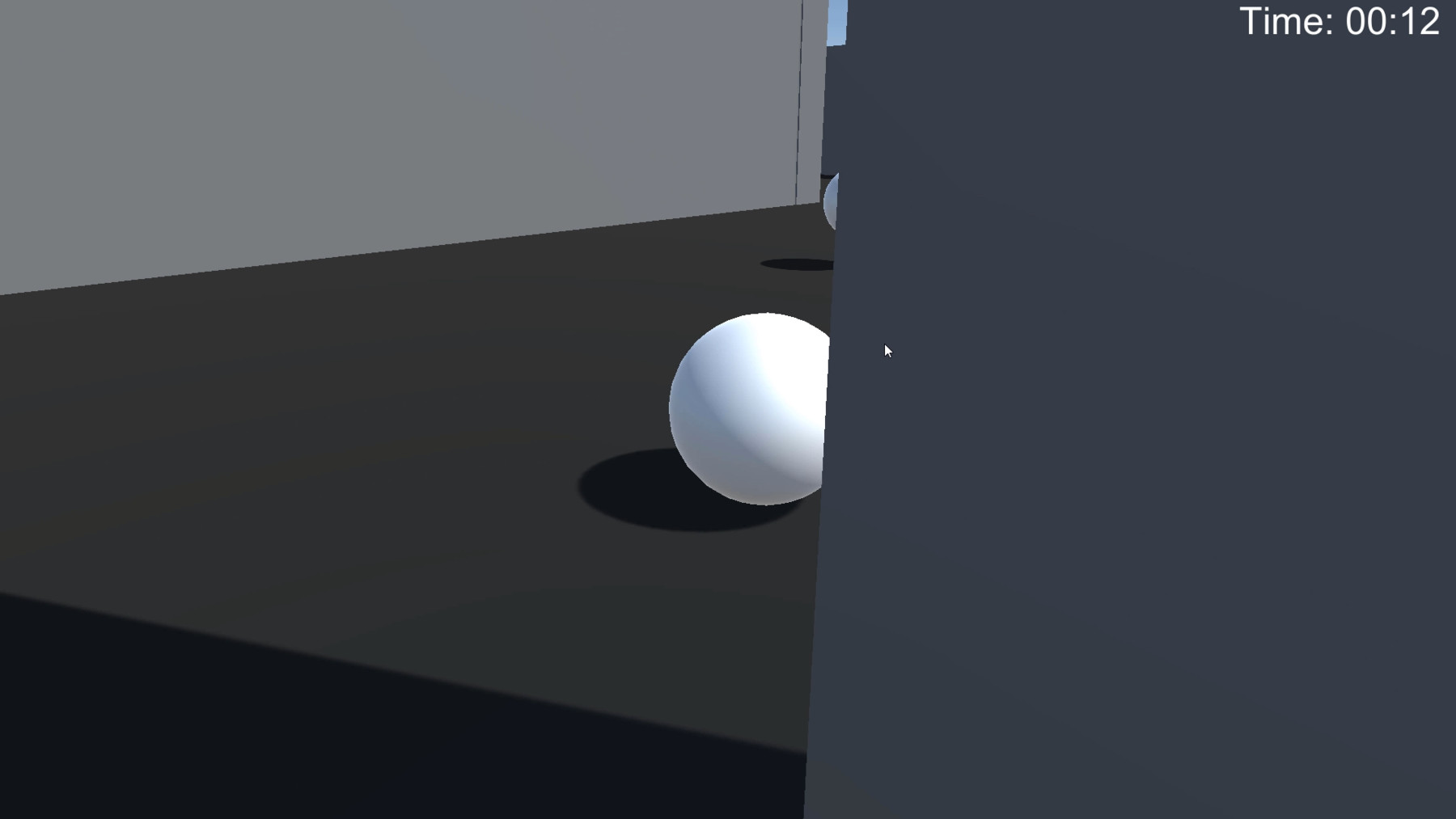
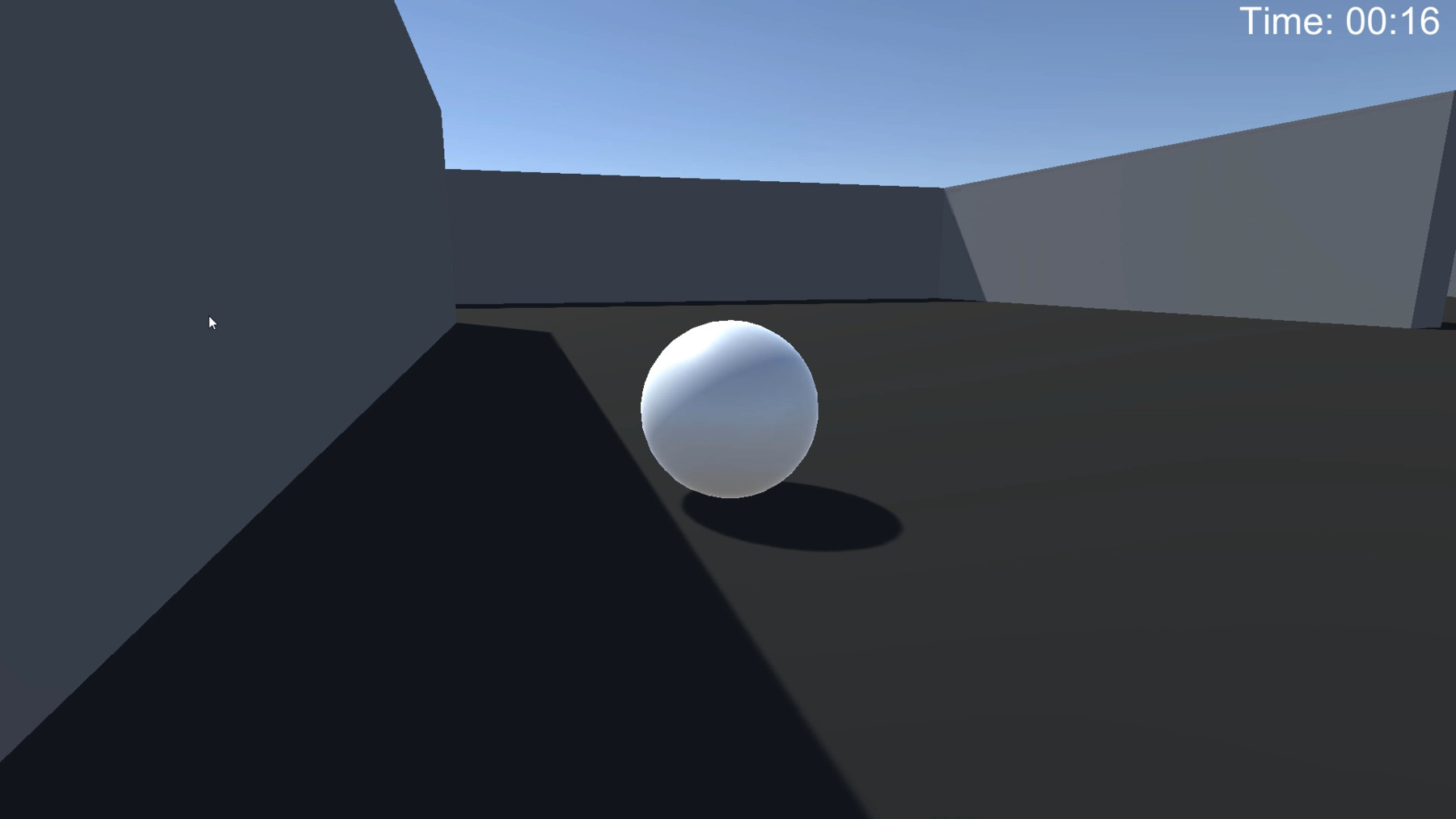
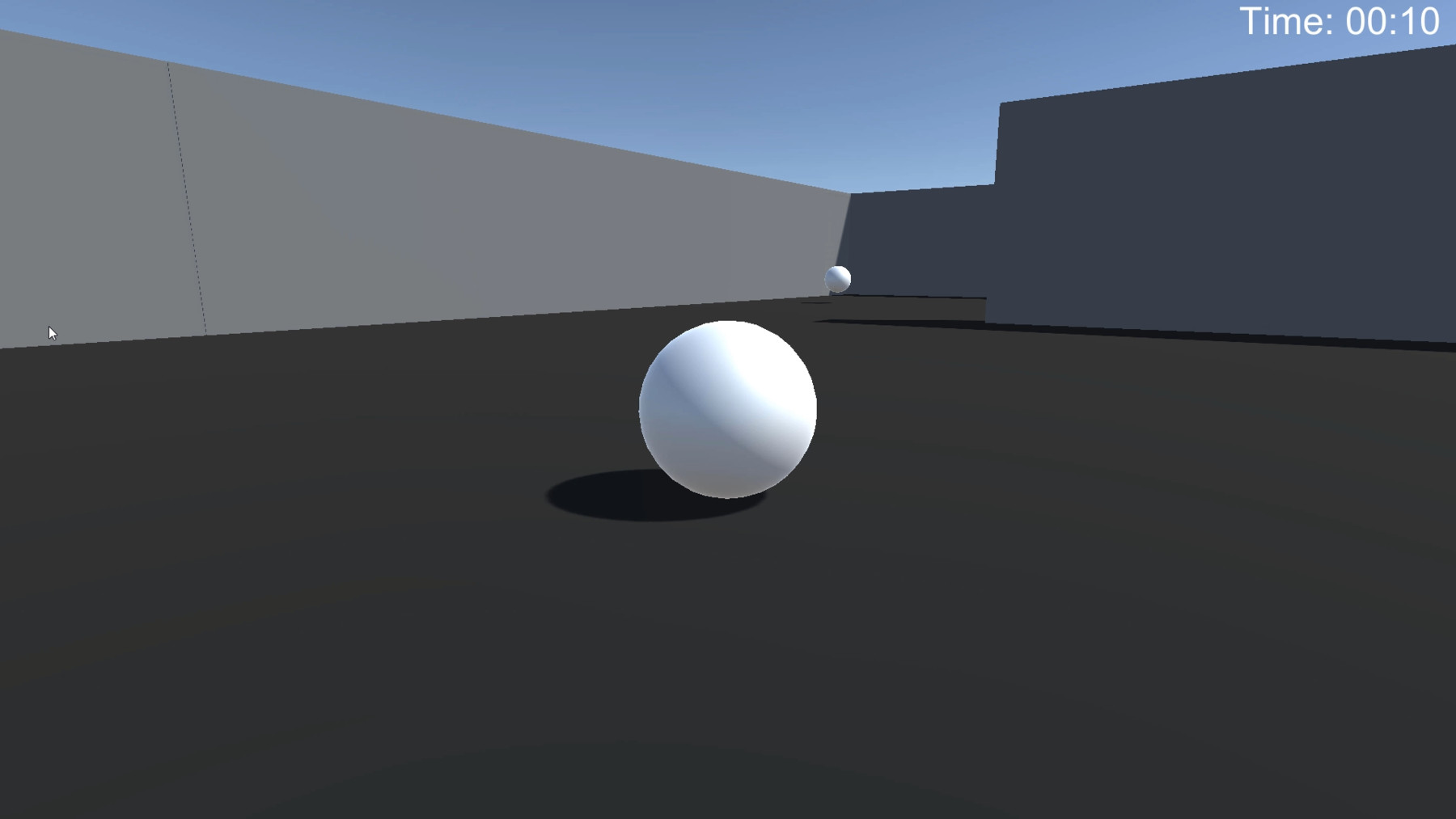
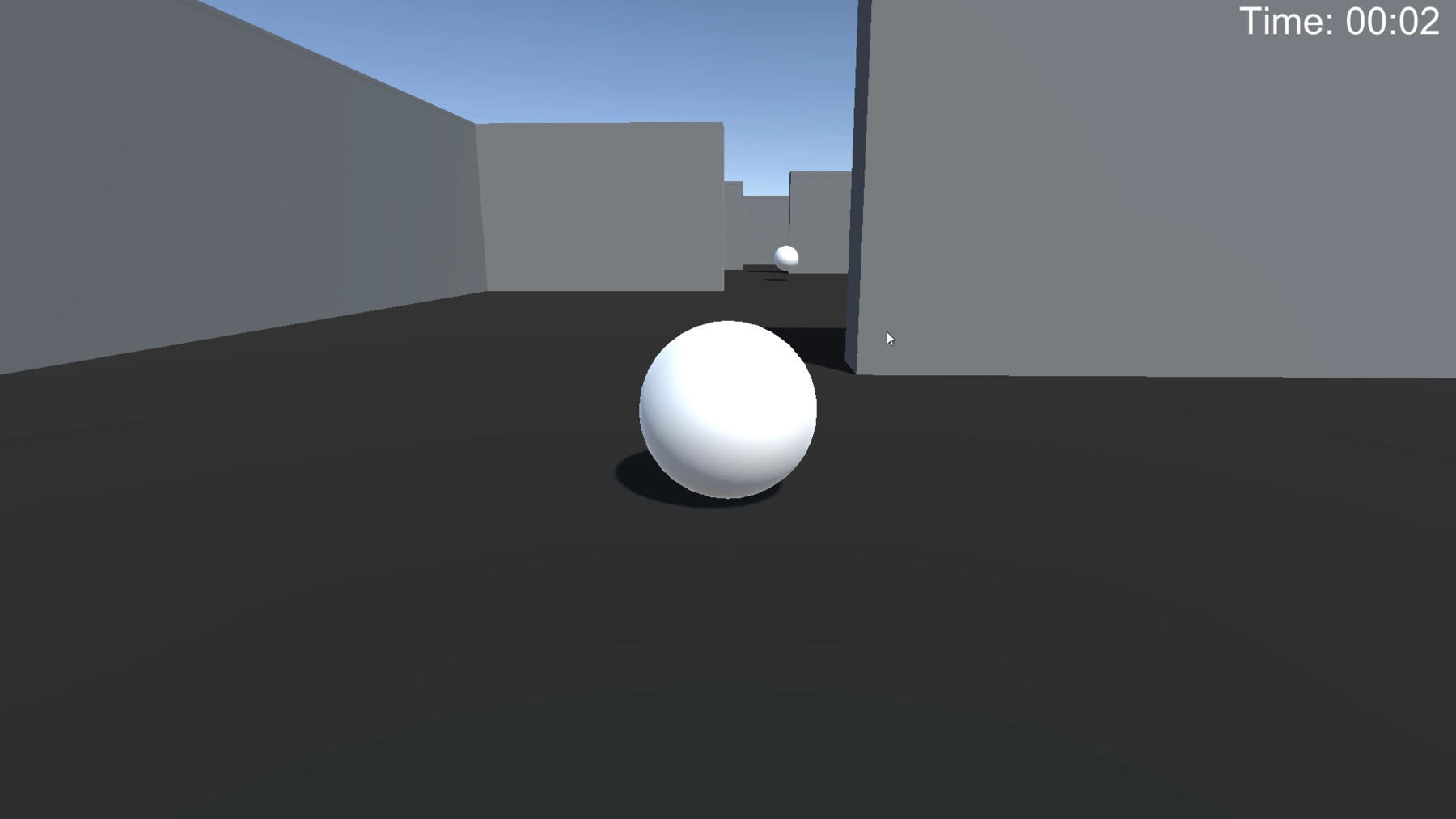
This tutorial goes over how I went about setting up everything in this simple scene. The difference between this tutorial and what Unity provides is that the camera script is more advanced to include camera clipping, and the camera moves behind the player to allow you to move in both the Z and X directions. The Unity tutorial's camera script doesn't support moving in the X direction if you were to have the camera behind the sphere.
I have also provided count down timer scripts that are in seconds or in minutes and seconds. You also have timers that count up if you wish to use them in your projects as well. The provided tutorial is easy to learn from and expand on for your own game projects. You can replace the sphere with a 3D character if you choose to just follow the steps in the provided video!
I encourage you to expand on this by adding a score counter, death conditions, collectible objects, achievements, the main menu, and anything else you want to add!
What is included:
. Tutorial video
. Countdown and timer increase scripts
. Simple scene
. Camera and player movement scripts
. Other scripts for when you win the game
If you have any concerns or questions, please contact me with the email provided in the ReadMe file. Thank you for your support and have fun expanding on this project!